
Complete Patient Lead Tracking and Attribution
Most tracking demos overwhelm practice owners with menus and settings. This guide takes the opposite approach.
Overview: Telling the Full Patient Story
Most tracking demos overwhelm practice owners with menus and settings. This guide takes the opposite approach. It shows exactly which marketing dollars converted into new patients and the complete path each patient took to get there.
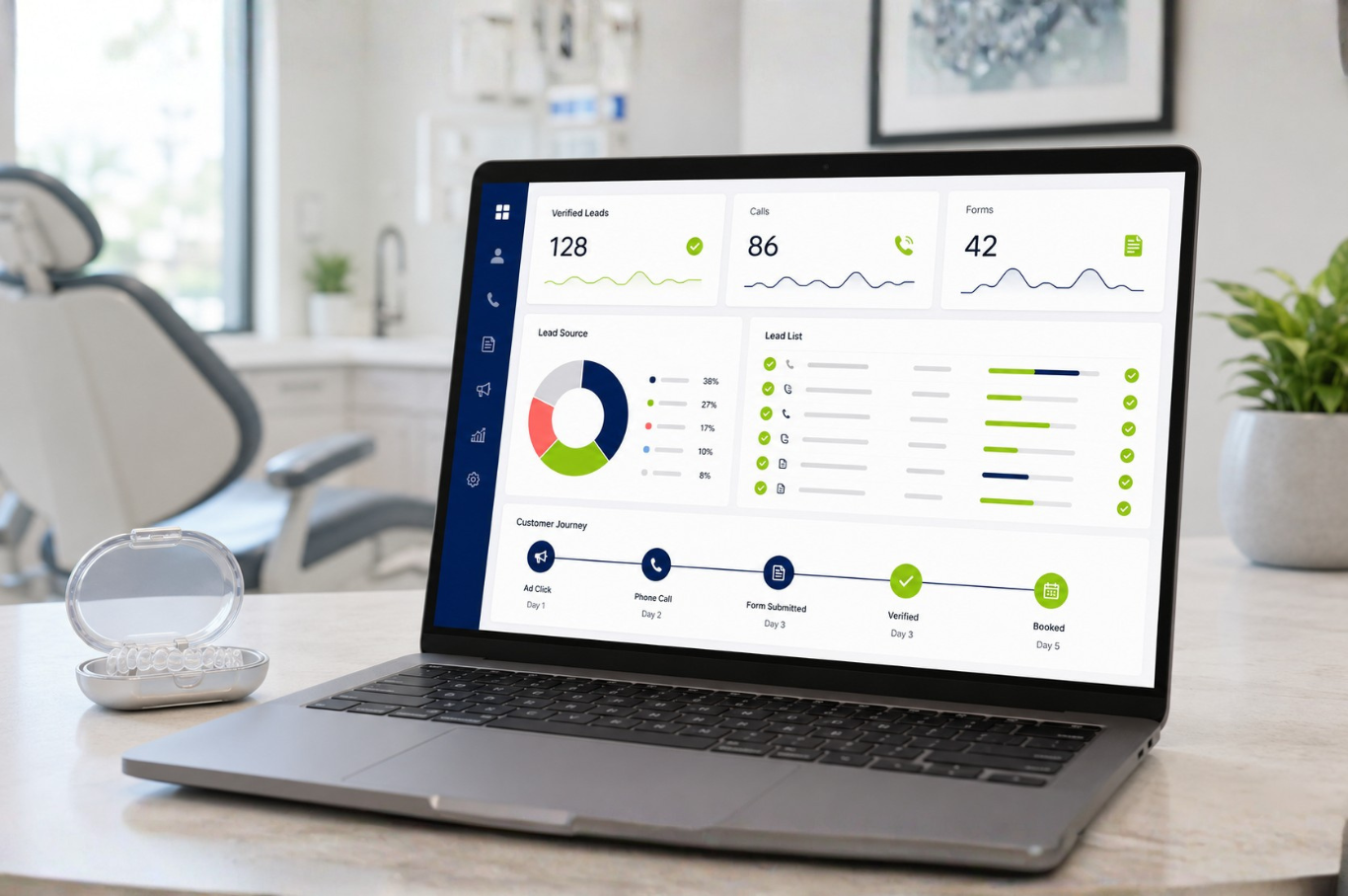
Lime 42® Tracking automatically captures roughly 70 data points for every call, form, and appointment, then unifies them into a single lead record rather than disconnected sessions.
Lead origin and attribution
Customer identity
Device and location
Lead value and quality
1. Overall Highlights and the Patient Journey
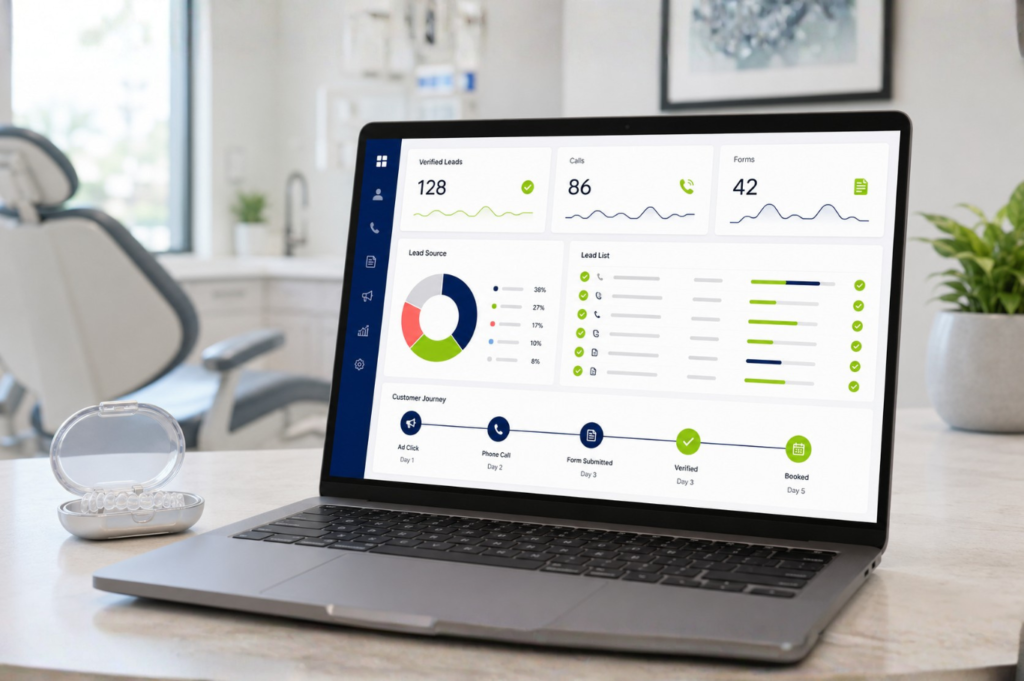
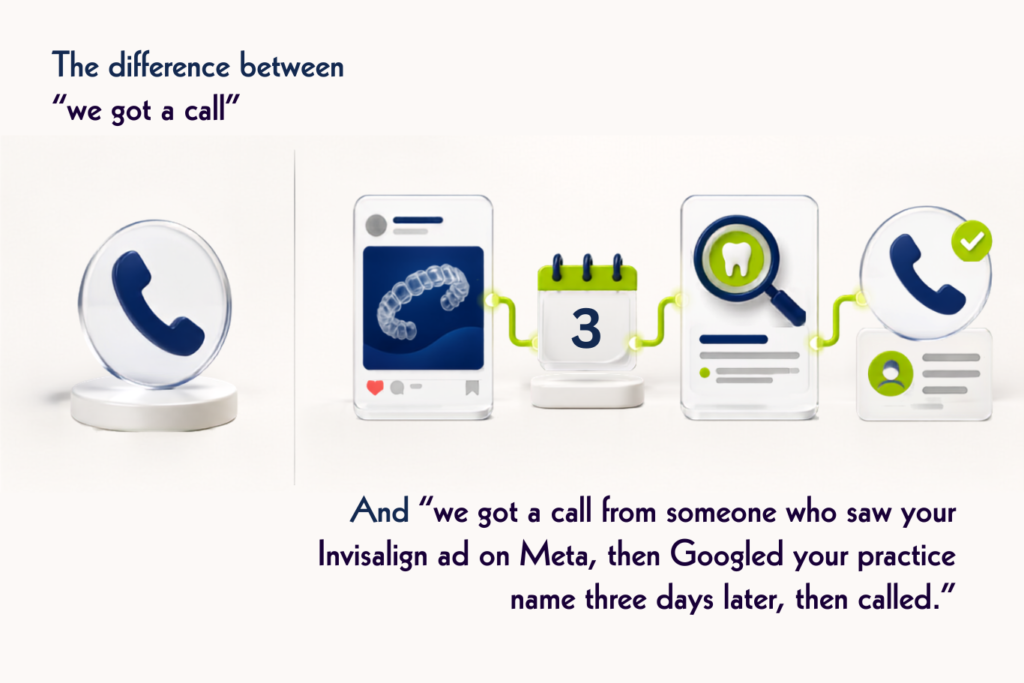
The Customer Journey view stitches together every touchpoint a patient had before converting, including the ads they clicked, pages they browsed, keywords they searched, and whether they finally called, filled out a form, or booked directly, into one visual timeline per lead.
- Automatic capture: contact info, marketing source, keyword, landing page, and device for every call, form, and chat. No manual entry required.
- Lead qualification tools: mark leads as Yes, No, or Pending, assign Quotable Value and Sales Value, and filter out duplicates or spam so reporting reflects real patient inquiries.
- Automated call analysis: instant call summaries, sentiment scoring, and intent detection (a pricing question versus a booking request) to qualify leads without listening to full recordings.
- Searchable recordings and transcripts: useful for coaching front-desk staff in handling new-patient calls.
2. A Complete Lead Tracking System, Not Just Phone Calls
This matters for dental and orthodontic clients because a meaningful share of new patient inquiries now come through forms, appointment widgets, or chat widgets, not just by phone. Tracking calls alone leaves a practice blind to a large part of the patient funnel.
Every lead type lands in the same Lead Manager view with the same attribution data. That gives the practice a unified list of new patient opportunities instead of separate call logs, form spreadsheets, and chat transcripts.
3. Integrations: Google Ads, Meta, Google Analytics and More
While patient journey tracking is critical, so is providing feedback to the ad platforms you pay. Lime 42® Tracking pushes verified conversion data back into Google Ads and Google Analytics, so campaigns optimize for real leads and booked patients, not just clicks or form-fill events.
It also sends conversion data natively to Meta Ads, so the Meta algorithm can target prospects who resemble your qualified patients, not just anyone likely to click. Connections to CRMs and practice management tools round out the picture.
Google AdsVerified conversions
Google AnalyticsVerified conversions
Meta AdsNative conversion feed
Bing AdsVerified conversions
HubSpotCRM
SalesforceCRM
Automation is also available through API endpoints, webhooks, and Zapier, along with connections to the most popular chat widgets.
4. Why This System Outperforms Standard Call Tracking
The core difference is that most tools treat each phone call or form fill as an isolated event. Lime 42® Tracking links every touchpoint from the same patient into a single continuous record, revealing the full pre-conversion journey rather than fragmented snapshots.
Add automated call analysis, flexible lead qualification, customizable reporting, and HIPAA-compliant capture across calls, forms, and appointments, and the practice gets a system that answers a better question.
5. Quick Dashboard Walkthrough
When logging into the Dashboard:
1. Start on the Leads tab, filtered to a recent date range. You can customize columns or use some of the pre-made tabs. You can simplify to just Contact Name, Type, Time, Source, and Keyword if you prefer. There are many ways to view leads on this page. This is the at-a-glance view of every new patient inquiry.
2. Open a lead’s Customer Journey by clicking the “View Lead” button to show the full pre-conversion path: ad clicked, pages viewed, keyword searched, then the call, form, or appointment booking.
3. Play or summarize a call recording using the automated analysis panel to show sentiment and intent tagging in action. You can quickly scan call summaries and transcripts or listen to full calls.
4. Lead qualification fields (Quotable Value, Sales Value, Yes/No status) turn raw leads into ROI data for monthly reporting.
5. The Lime 42® Lead Platform integrates with Google Ads, Google Analytics, Bing Ads, and Meta Ads. This allows verified conversions to flow back into the ad accounts, tying the patient conversion data to smarter ad spend.
6. The Lime 42® Lead Platform can also use API keys and other automation tools, including: Endpoints, Webhooks, and Zapier. You can also connect to the most popular chat widgets, as well as HubSpot and Salesforce CRMs.
7. Custom reports or dashboard view: You have multiple options to view and analyze the same data referenced in every monthly performance review, either by logging in to the Dashboard or by downloading or having reports automatically emailed.
Let’s Build This Together
Right now, everything is fragmented, and much of it relies on guesswork. Once you’re onboarded, that goes away. Every call, form, and booking becomes clear data you can act on: the full journey behind each new patient, which marketing is actually working, and the return you’re earning on every dollar.
Because verified lead data flows directly back to Google and Meta, your campaigns get smarter over time, spending more on what brings in patients and less on what doesn’t. We look forward to helping you build these insights, month after month, so your practice can experience data-led growth.
Call 760-850-3385 or request a walkthrough online.